For companies only
Alma Business
Agents with an org chart, tasks that wake them up, meetings and budgets. The boss agent asks you before anything big.
→Open source · runs on your machine
An AI team that lives on your computer. For your business. For you.
Sound on. She talks, you watch. · ← → jump between sections
For companies only
Agents with an org chart, tasks that wake them up, meetings and budgets. The boss agent asks you before anything big.
→For everyone
Your vault of notes, your voice, reminders on your phone, and your house. Everything stays in files you own.
→It is all Alma. The business agents are the part built just for companies.
01 / Business
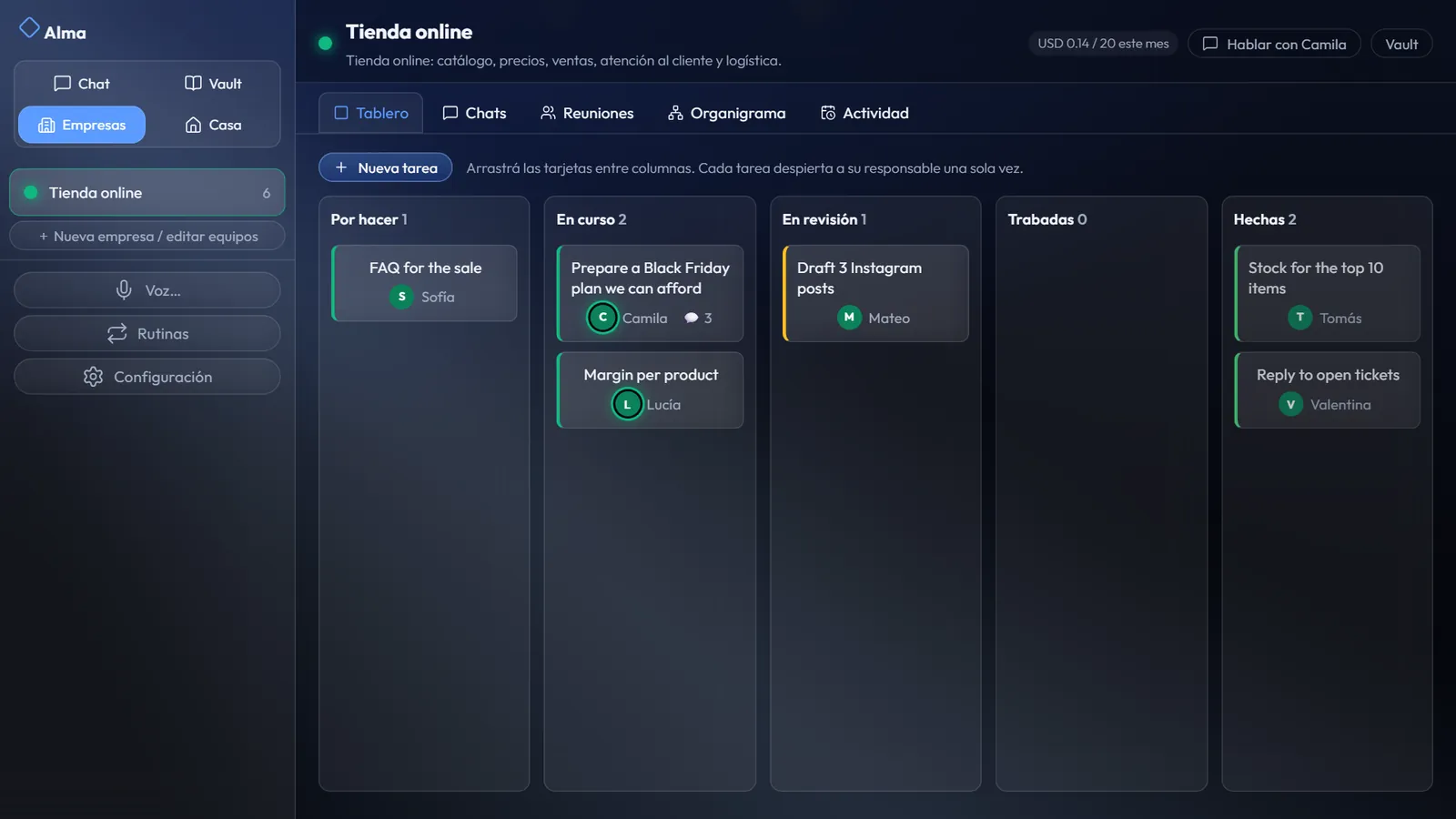
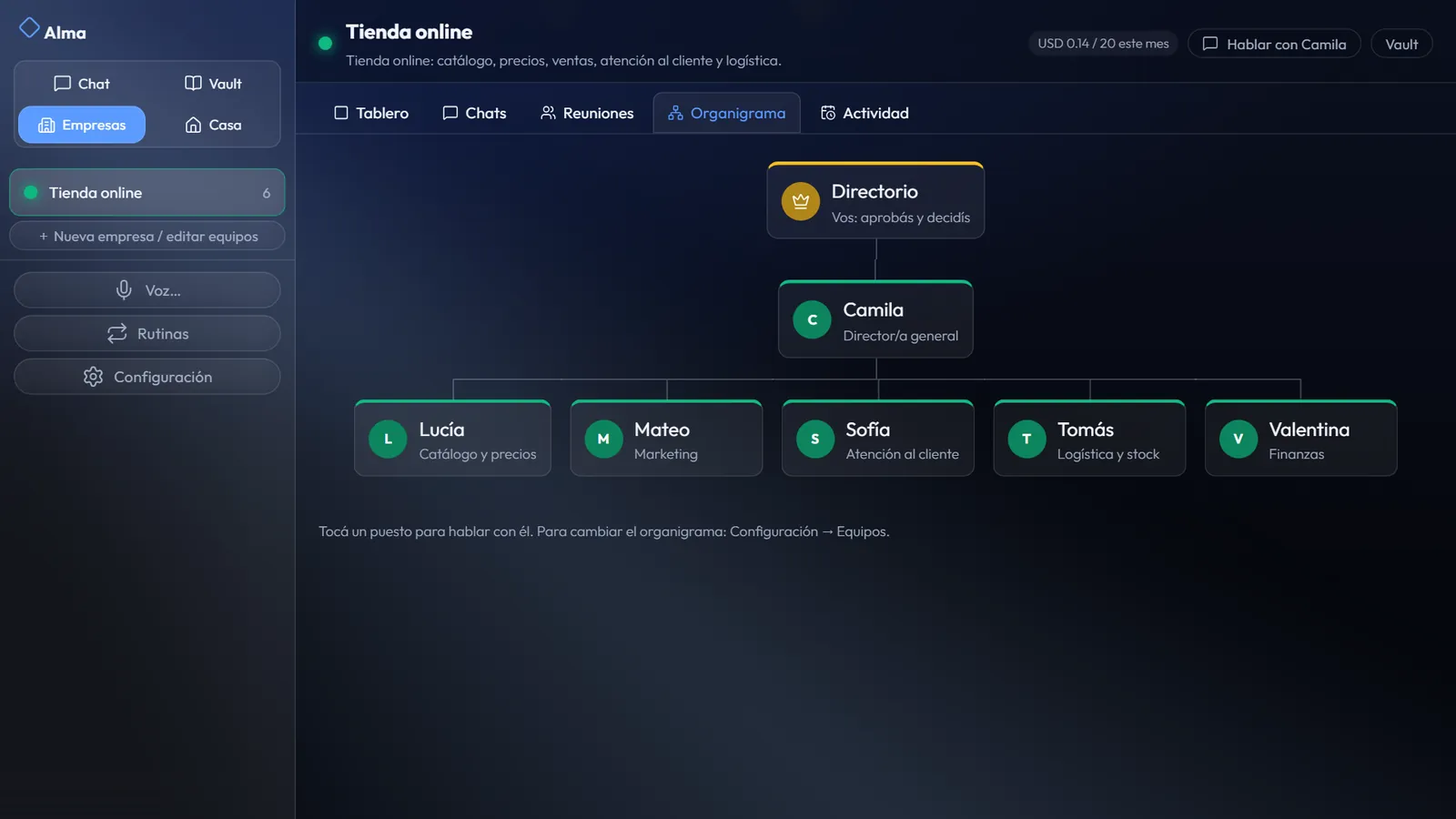
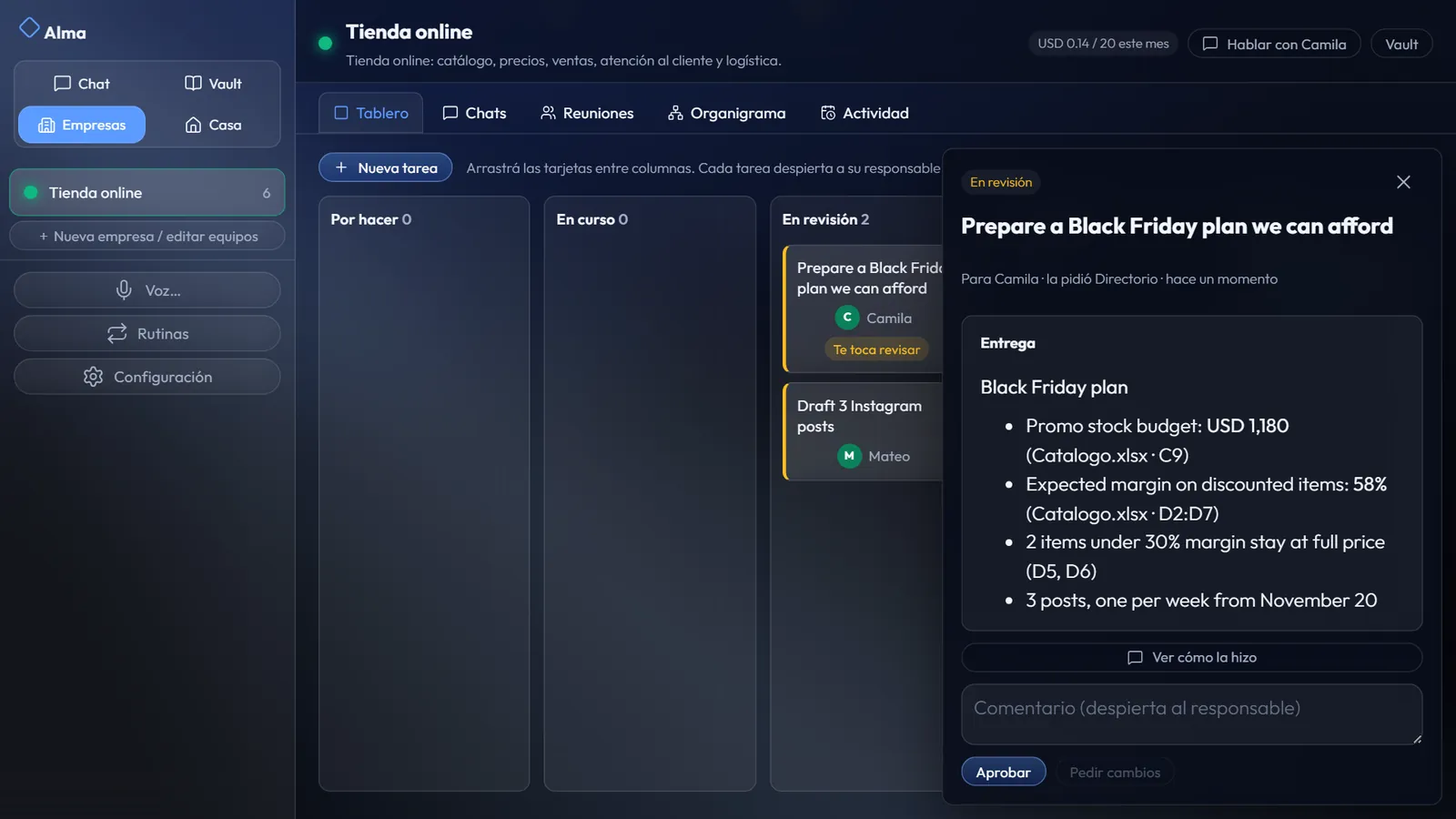
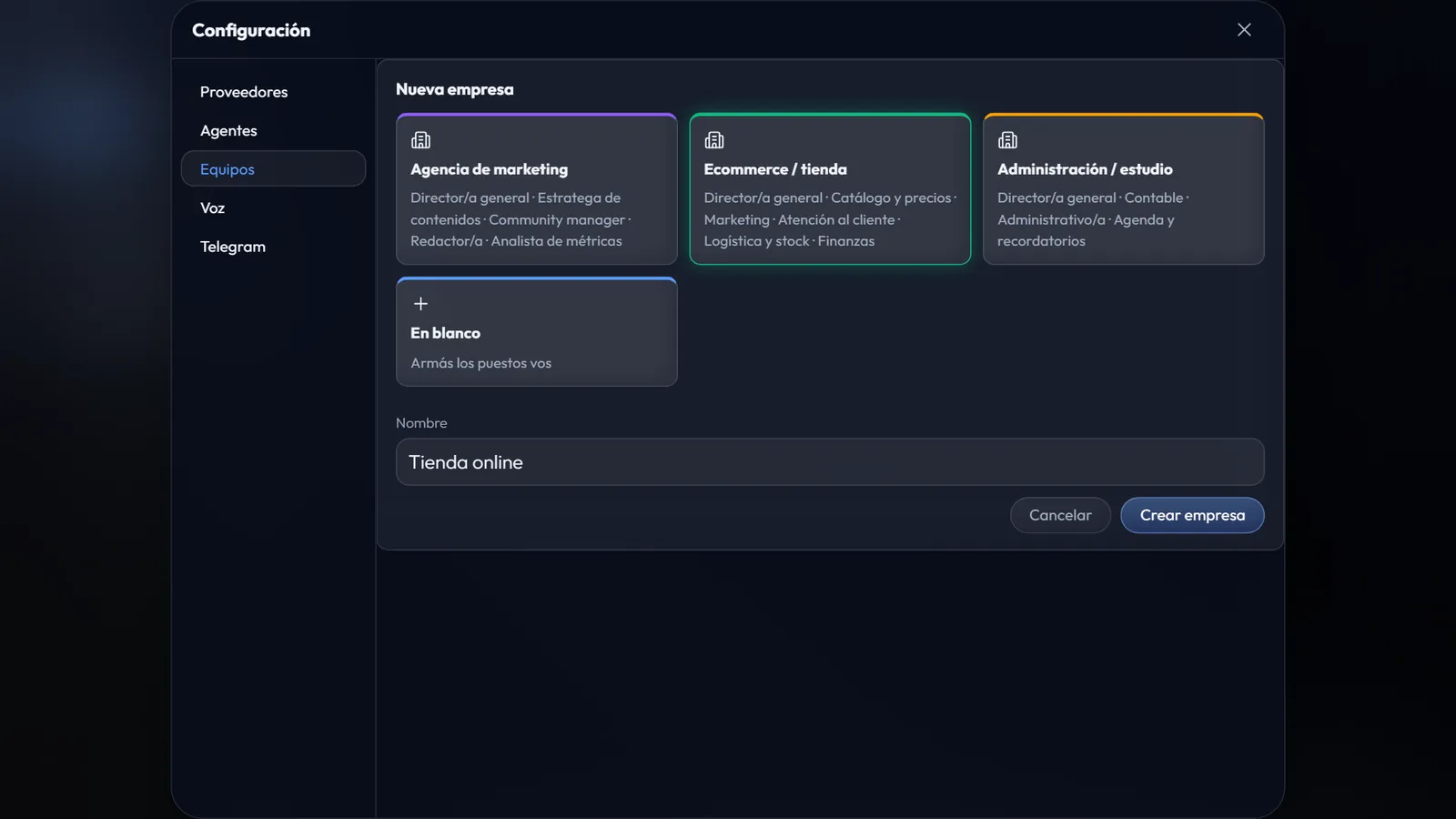
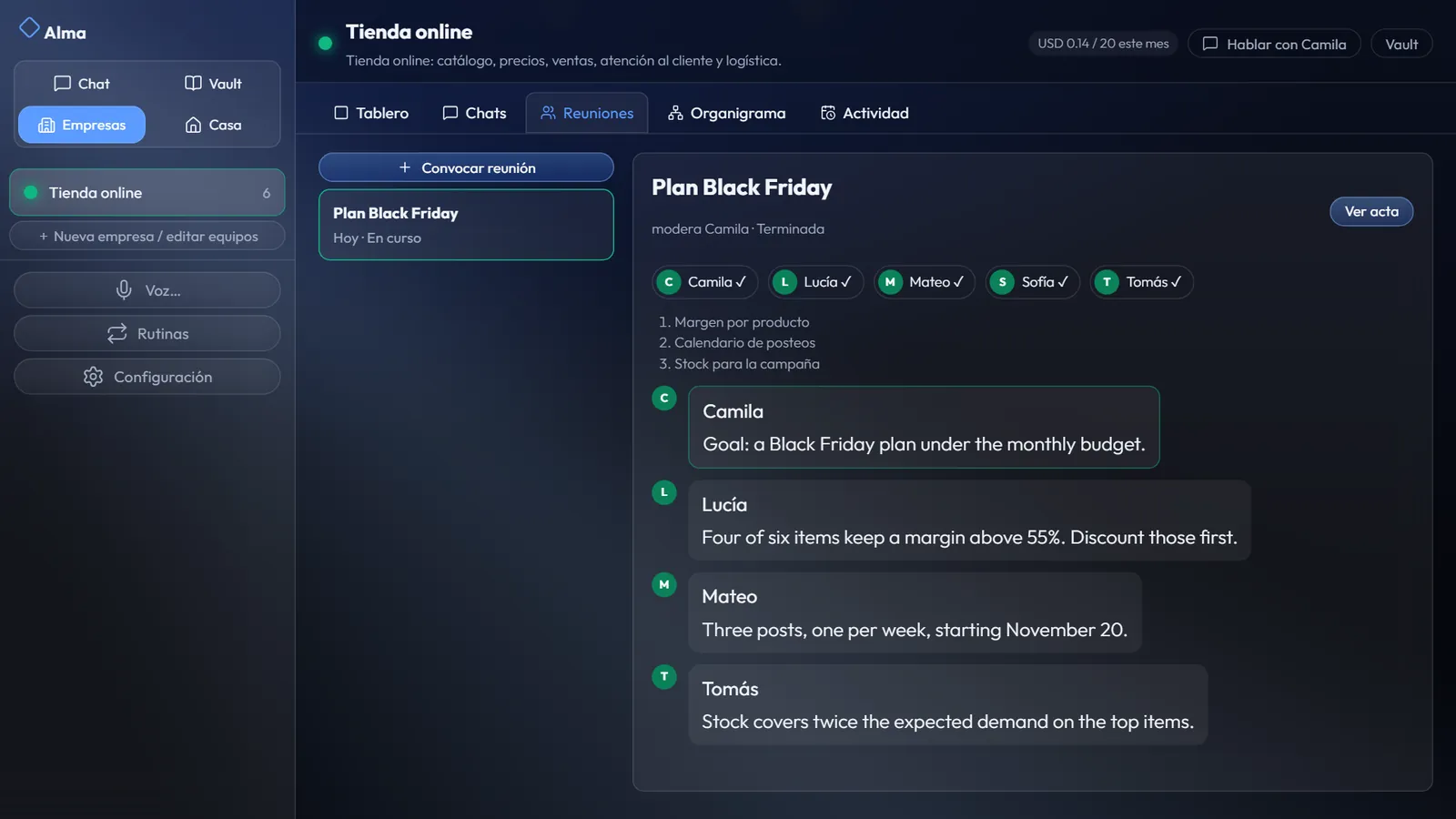
Pick a template. Alma builds the team. Give a goal to the director and watch the board move.
02 / People
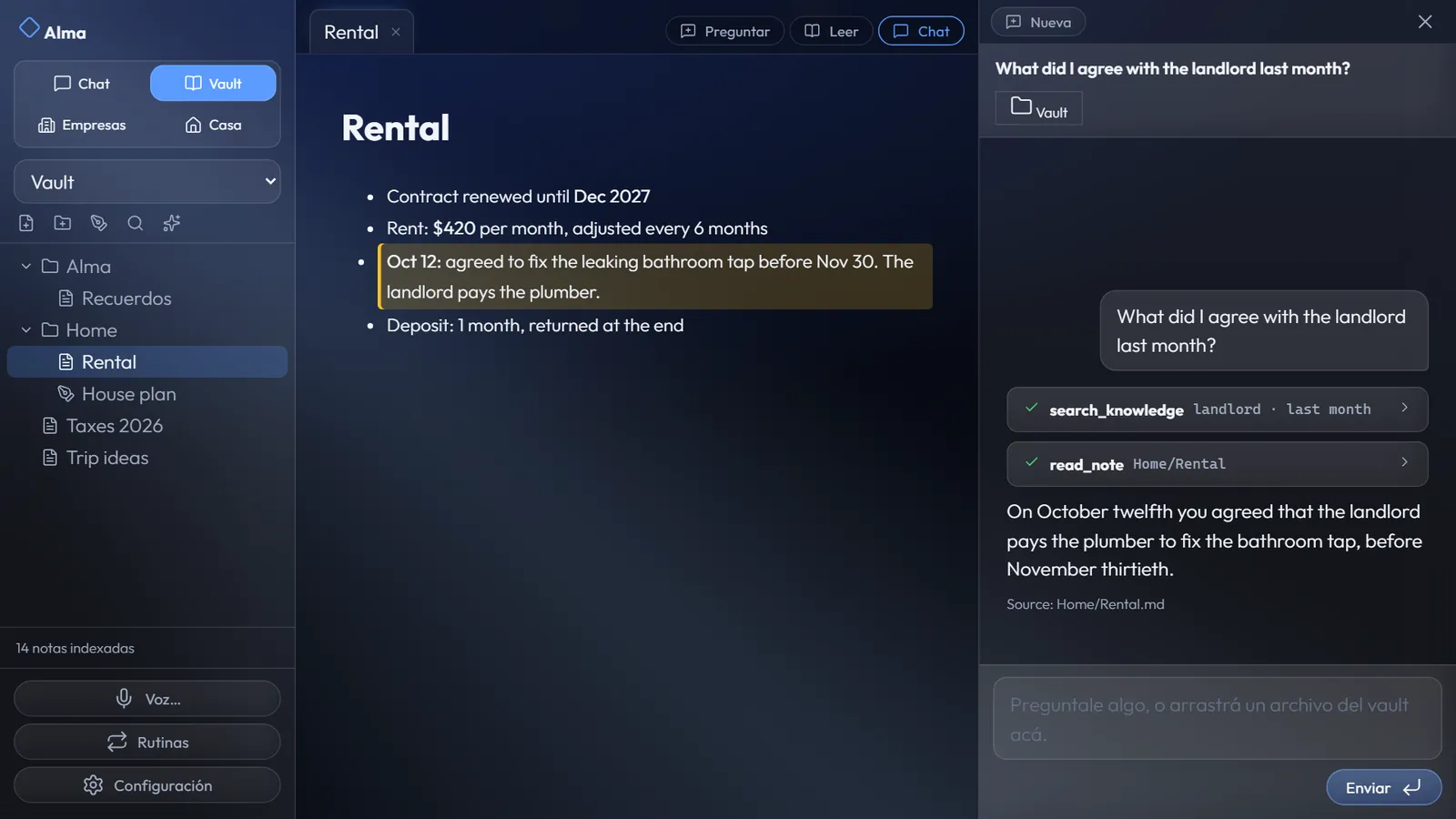
A vault of plain Markdown on your own disk. Ask, and Alma answers with the source.
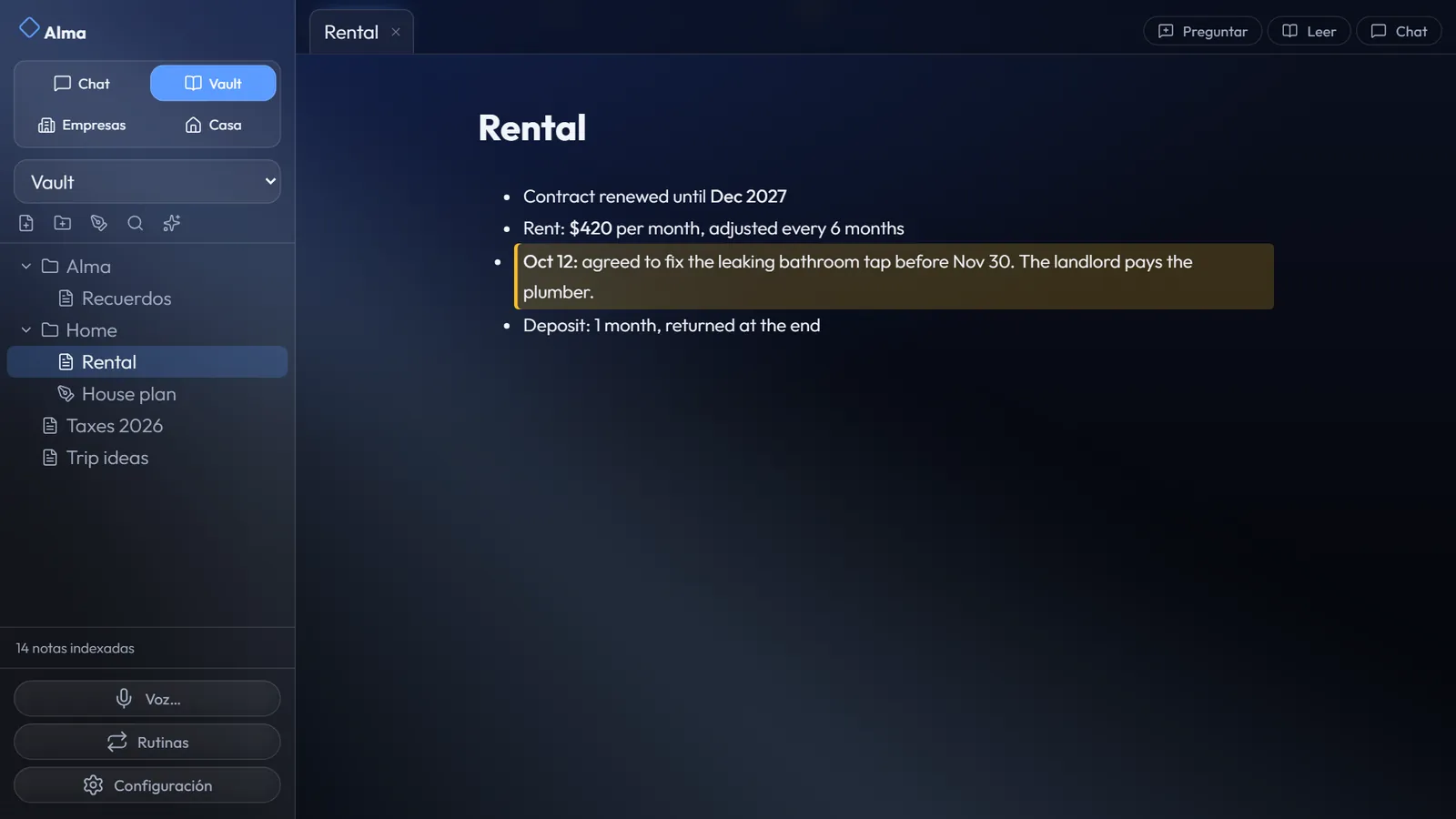
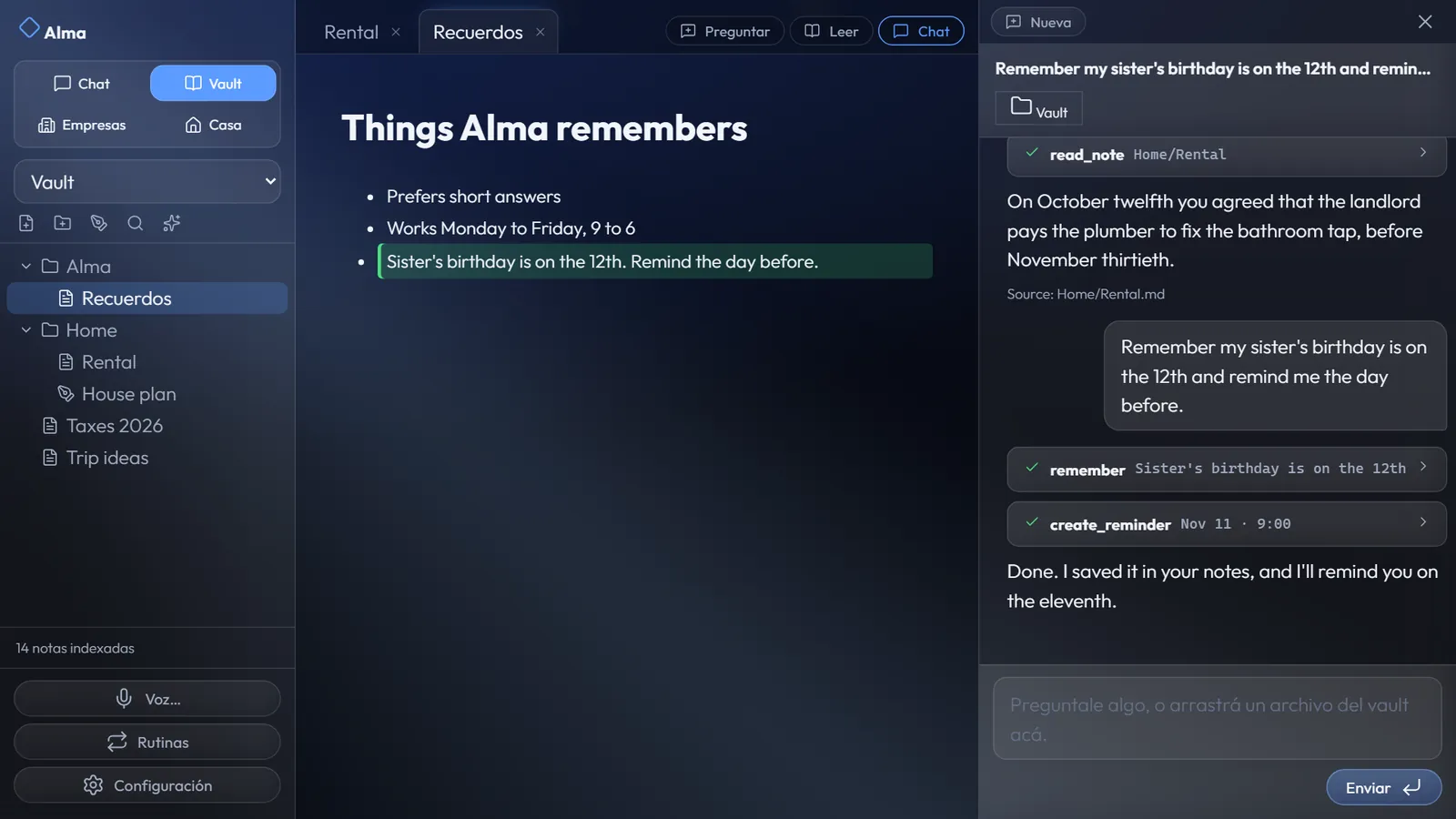
Reminder · TelegramYour sister's birthday is tomorrow.9:00
03 / Home
Alma draws a floor plan of your home and puts every device on it. Chat, voice, Telegram or WhatsApp: ask and it happens.
Turn on the living room light.
Done. The light is on.
Under the hood
Alma uses Home Assistant, the open-source home automation engine, in the background. We install it, create the account, connect your devices and talk to it for you, so you never have to open its settings.
It runs on your own PC. Some brands (Tuya, eWeLink) still use their own cloud; we tell you which before you buy.
04 / Models
Alma ships working with Meta Muse out of the box. It is a default, not a lock-in.
Or switch, per agent
One key, one bill, and you manage every provider from there.
Vercel AI Gateway →
The real app, no mock-ups.
05 / Open source
Alma is free to download. There is no installer yet (it is on the roadmap), so today you build it from the source. It takes about ten minutes.
$ git clone https://github.com/felix-toledo/alma-project.git
$ cd alma-project
$ pnpm install
$ pnpm run dev
$ pnpm run build
$ pnpm start
pnpm blocks install scripts by default, and Electron downloads its binary in one of them. The repo already allows it in pnpm-workspace.yaml (allowBuilds: electron: true), so a normal pnpm install works. If the binary is still missing, fetch it by hand. Behind a firewall, set ELECTRON_MIRROR first.
$ pnpm rebuild electron
# or
$ node node_modules/electron/install.js
Your terminal has ELECTRON_RUN_AS_NODE set (some editor terminals do). Remove it and run again.
$ Remove-Item Env:ELECTRON_RUN_AS_NODE
$ pnpm run dev
npm rewrites node_modules and breaks the tree. If pnpm says access denied, close Alma and your editor first (Windows locks the files), then try again.
$ pnpm install
06 / Install
Download Alma for free. Or we come, install it in your home or company, and fit the devices to your budget.
Starting out
Alma installed and tuned on your PC. Vault, voice, reminders.
Most popular
Everything in Essential, plus your whole house on one plan.
Houses and companies
A business team built for your processes, and a home sized to your needs.
We answer with a quote, not a sales pitch.
Sound on. She talks, you watch.